
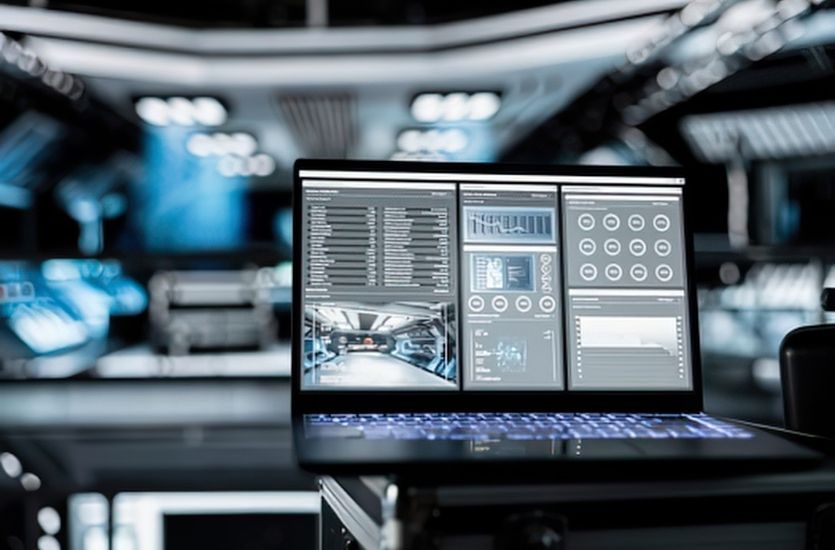
Business communication has changed significantly. A two-way radio used to be a standalone tool. Today, it may work alongside video cameras, dispatch software, broadband networks, access control, mobile devices, sensors, and cloud-based applications. These connections help teams share information and respond faster. They also create more places where an unauthorized user could try to get in.
The financial stakes are high. Research estimated that cybercrime cost the global economy nearly $1 trillion in 2020, more than 50% higher than in 2018. Attackers do not only target banks and large corporations. They target any organization with a weak point, and connected devices are a common weak point.
In this article, our team at EMCI Wireless is taking a practical look at network security basics for business. The article focuses on organizations that rely on connected communication and security technology, including radios, cameras, and dispatch systems. The goal is simple. Understand the risks, then reduce them.
What Does a Connected System Look Like Today?
A connected system is any group of devices and applications that share information over a network. Most businesses have more of these than they realize. A single organization might use all of the following.
- Digital two-way radios
- Video surveillance cameras
- Body-worn cameras
- Access control systems
- Dispatch software
- Broadband push-to-talk applications
- Smartphones and tablets
- Sensors and alarms
- Cloud-based applications
- Private LTE or other network infrastructure
These tools work best when they work together. That is the whole idea behind unified communications. For example, Motorola solutions available through EMCI Wireless can connect video security alerts with MOTOTRBO radios. When a camera detects unusual activity, personnel can receive the alert on the radio they already carry. They do not need to sit in front of a monitor to know something is wrong.
That kind of integration saves time and improves safety. It also means security planning has to consider the entire connected environment. Protecting one device is not enough. Every connection between systems deserves attention too.
Where Are Connected Systems Most Vulnerable?
Security professionals use the term “attack surface.” It sounds technical, but the idea is simple. Every device, application, account, and network connection is a possible path into your system. The more connections you have, the more paths exist. Here are the most common weak points.
- Weak or reused passwords. Default passwords and shared credentials make unauthorized access much easier. If ten employees share one login, you cannot tell who did what. If a camera still uses the factory password, anyone who knows that brand can guess it.
- Outdated software and firmware. Older software may contain known security flaws. Attackers keep lists of these flaws and scan networks for equipment that hasn’t been updated.
- Poorly protected remote access. Remote management is useful. Administrators can check systems from home or from another site. But open or poorly configured remote connections can expose those same systems to strangers.
- Unsecured cameras and other devices. Network-connected cameras hold valuable footage. They also reveal camera angles, blind spots, and details about a facility. That information is useful to anyone planning a physical break-in.
- Unprotected radio communications. Depending on the system and its configuration, unauthorized users may attempt to listen to conversations or interfere with them. For security teams and public safety agencies, that risk is serious.
- Too much access. Employees and vendors should not automatically have access to every part of a connected system. A person who only needs to view one camera feed does not need administrator rights across the network.
None of these weaknesses require an expert attacker to exploit. Many breaches start with something as simple as a default password. The upside is that each weakness has a practical fix.
Encryption Protects Information When It Moves and When It Stays Put
Encryption converts information into a scrambled form. Without proper authorization or digital credentials, that information cannot be easily read. Even if someone intercepts it, they see nonsense instead of your data.
Encryption matters in two situations. The first is data in transit. This is information traveling between radios, cameras, applications, servers, and other devices. Voice traffic on a digital radio system is a good example. Video streaming from a camera to a recorder is another example. Encryption in two-way communications keeps conversations private, which matters for security teams, schools, hospitals, and public safety agencies.
The second is data at rest. This is stored information, such as recorded video footage, audio recordings, system data, credentials, and reports. Encryption matters here too. One industry analysis found that about 96% of data breaches examined just a decade ago involved unencrypted data. Stored information deserves protection along with data moving across a network.
Modern digital radio systems support strong encryption choices. AES encryption is the industry standard, especially in P25 public safety systems, and it outperforms older methods. Video systems can encrypt both live streams and stored footage. When businesses plan their video surveillance storage, encryption should be part of the conversation from the start.
How VPNs Add Protection for Remote Connections
What is a VPN, and why would a business use one? A virtual private network creates an encrypted connection between a user or device and a business network. Think of it as a private tunnel through the public internet. Traffic inside the tunnel stays protected from outside eyes.
VPNs matter in several situations that connected businesses face every day.
- Administrators accessing systems from another location
- Remote employees using connected applications
- Technicians performing authorized remote maintenance
- Multiple facilities communicating across networks
- Users accessing video or dispatch systems away from the primary site
Without a VPN, remote access often means exposing a system directly to the internet. That is risky. Attackers constantly scan for open connections. A VPN closes that door and requires proper credentials before anyone gets through.
One caution is worth stating clearly. A VPN is one layer of protection, not a complete security solution. It protects the connection itself. It does not fix weak passwords, outdated firmware, or excessive user permissions. Strong security comes from several layers working together.
Separate Systems So One Problem Does Not Spread Everywhere
Network segmentation is another protection worth understanding. The concept is simple. Instead of placing cameras, radios, office computers, guest Wi-Fi, access control, and other devices on the same network, businesses separate them based on purpose.
Why does this matter? If one device or account is compromised, segmentation limits how far an attacker can move. A problem on the guest Wi-Fi should never reach your video security infrastructure. A compromised office computer should never open a path to your dispatch system.
Segmentation does not mean systems can never talk to each other. Video security infrastructure may need to communicate with radio or dispatch systems. That is often the point of an integrated design. But controlled communication between systems is very different from unrestricted access. Each system should reach only the systems it truly needs, and nothing more.
Think of it like a building with locked interior doors. Getting through the front door should not give a person free run of every room.
7 Ways to Reduce Vulnerabilities Across Connected Systems
These steps cover network security basics for business, and they apply to almost any organization with connected communication and security technology.
- Change default usernames and passwords. Never leave connected equipment running on factory credentials. This applies to cameras, radios, recorders, network hardware, and software accounts.
- Use strong authentication. Add multi-factor authentication where supported. It matters most for administrator accounts and remote access, where a stolen password would do the most damage.
- Keep software and firmware current. Install security updates and patches on a regular schedule. Do not wait until equipment develops a problem. Many updates exist specifically to close known security holes.
- Limit user permissions. Give employees access only to the systems and information required for their jobs. When someone changes roles or leaves the organization, update or remove their access right away.
- Review connected devices regularly. Know which radios, cameras, applications, servers, and other devices are connected to your network. Confirm that each one still needs access. Forgotten devices are easy targets because nobody is watching them.
- Protect remote connections. Use VPNs, encryption, authentication, and approved access methods. Avoid exposing systems directly to the internet whenever possible.
- Have a response plan. Know who to contact and what steps to take when something goes wrong. That includes suspicious activity, lost equipment, unusual system behavior, and unauthorized access. A written plan beats improvising during an incident.
None of these steps require a large budget. Most require attention, consistency, and a clear sense of who is responsible for each task.
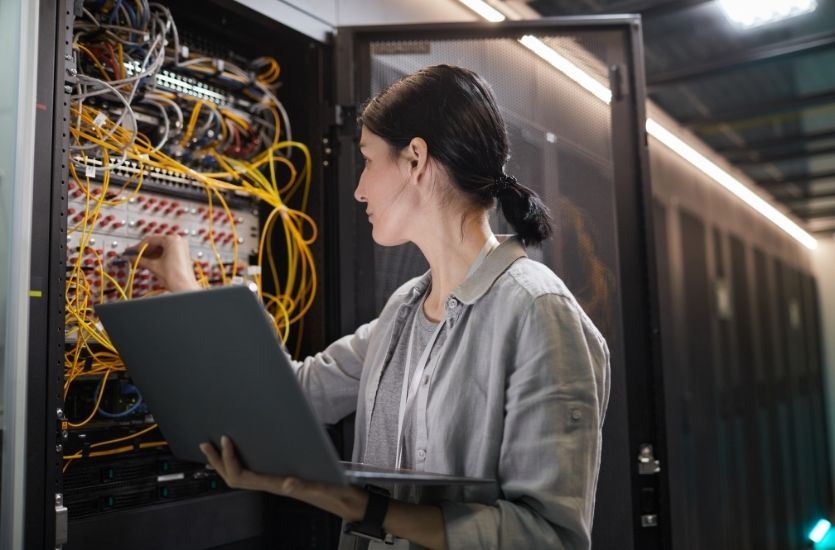
Security Should Be Part of the System From the Beginning
Individual security measures help. Planning helps even more. The best time to talk about cybersecurity is while communication and security systems are being designed, upgraded, or integrated. Waiting until after installation makes everything harder. This applies to radio systems, new video camera deployments, access control, and dispatch platforms alike.
Before deploying new connected technology, businesses should work through questions like these.
- What information will this system collect?
- Where will that information be stored?
- Who needs access, and at what level?
- Will anyone connect remotely?
- Which systems need to communicate with each other?
- How will software and firmware updates be handled?
- What happens when an employee leaves?
- How will lost or stolen devices be handled?
Answering these questions early shapes better decisions about equipment, configuration, and policy. It also prevents the common trap of buying individual pieces of technology without thinking about how they connect.
This is where an experienced communications provider adds value. A partner who designs and integrates radio, video, and dispatch systems every day can help you think through the complete environment, not just one product at a time.
Build Security Into Your Connected Communications Strategy
Radios, cameras, dispatch systems, broadband applications, and other connected tools help organizations communicate and respond to incidents faster than ever. That connectivity is worth protecting. Encryption guards information in transit and at rest. VPNs protect remote connections. Access controls, network separation, regular updates, and ongoing system reviews close the remaining gaps.
Security is not a single product you buy once. It is a set of habits and design choices built into the system from day one.
If your organization is upgrading two-way radios, video security, dispatch, or any connected communications system, EMCI Wireless can help. Our team designs integrated solutions for businesses, schools, local governments, and public safety agencies across Florida. Talk with us about building a system that meets your operational needs while addressing your cybersecurity concerns.